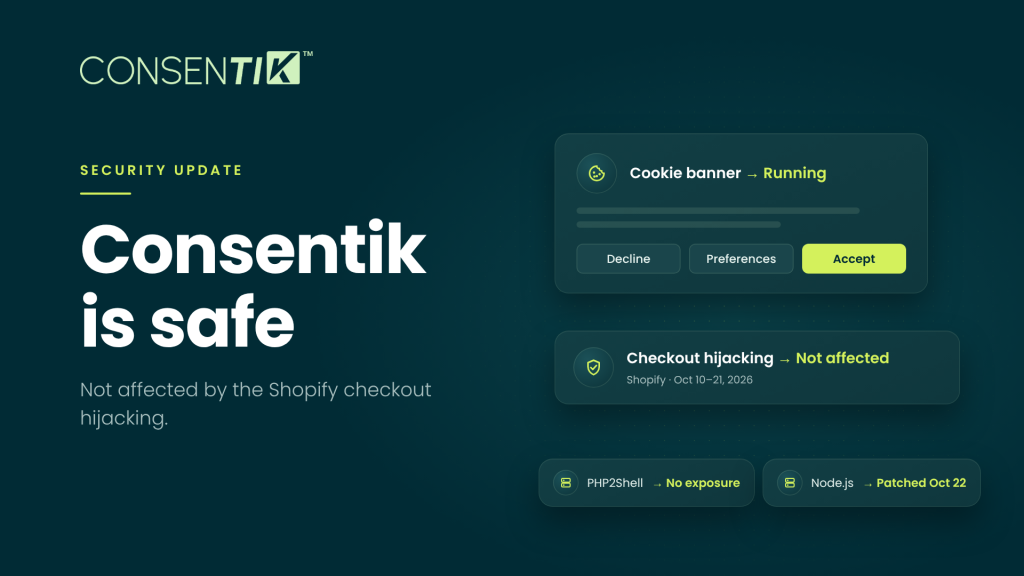
Your cookie banner is the first thing every shopper sees on your store, so after the October 2026 Shopify checkout hijacking, it’s natural to wonder about it. The short answer: Consentik was not affected, and there’s nothing you need to change. Below are the five questions merchants have been asking, answered one by one.
Consentik status at a glance
| Item | Status |
|---|---|
| Shopify checkout hijacking (Oct 10–21, 2026) | Not affected |
| PHP “PHP2Shell” vulnerability (Oct 21) | No exposure |
| Node.js security release (Oct 21) | Patched Oct 22, 2026 |
| Your banner, consent logs and settings | Safe, no action needed |
Can a cookie banner app hijack my checkout?
In theory, any app that runs code in your shoppers’ browsers could. That’s exactly what happened in October: from October 10, shoppers on a number of stores who clicked Checkout were sent to a fake payment page on biliing[.]top, which captured their card details and forwarded them to the real checkout. Developer Roman Zipp spotted it when his password manager offered to autofill on the wrong domain. The code came through trusted apps such as Hulk Product Options, Swym Wishlist Plus and Selleasy, not through Shopify.
Consentik can’t do this, because it doesn’t have the piece the attack needed: a script that listens for the Checkout click and sends the shopper elsewhere. Consentik shows your banner, records consent, holds tracking scripts until a visitor agrees, and passes consent signals (Google Consent Mode v2, Microsoft UET, IAB TCF, GPC) to your marketing tools. It runs no custom checkout JavaScript, and your customers always pay on Shopify’s native checkout.
What if someone tampered with Consentik’s settings?
This is the right question, because it’s how the attack actually worked. cside’s analysis of the HulkApps case found the app’s script file untouched; the malicious code arrived inside the app’s configuration, in a “custom JavaScript” field, and was injected into the page at runtime. It fired only once per browser session and only on a real click, so most merchants testing their own store saw nothing.
At Consentik, every piece of information is validated before it’s generated on your store: banner text in every language, button labels, category descriptions, policy links and form fields. No harmful JavaScript can be initialized from any of them, and styling options change how the banner looks, not what it does. Whatever reaches your shoppers can only ever be text, links and styles.
Does Consentik’s script blocking protect me from attacks like this?
Not on its own, and we’d rather be clear about that. Consentik’s auto-blocking holds back tracking scripts until a visitor consents. It’s built for privacy compliance, not for detecting a compromised app.
The real protection is how each app on your store is built, which is why it’s worth knowing that Shopify’s PCI DSS Level 1 status covers Shopify’s own infrastructure, not the app scripts you run in shoppers’ browsers. The apps you choose are part of your own security posture.
Are my consent logs and data safe?
Yes. Your consent logs are your proof of compliance, so we treat the servers that hold them with the same care as your storefront. Two server-side vulnerabilities were disclosed on October 21, 2026, separate from the checkout hijacking:
-
PHP “PHP2Shell” (CVE-2026-109618 and CVE-2026-109619): Consentik has no exposure.
-
Node.js (CVE-2026-111497 and nine other issues): every Consentik service was patched on October 22, 2026.
Consentik runs under SOC 2 Type II security controls as part of the OmegaTheme ecosystem; the OmegaTheme Trust Center lists the details.
What should I check on my store today?
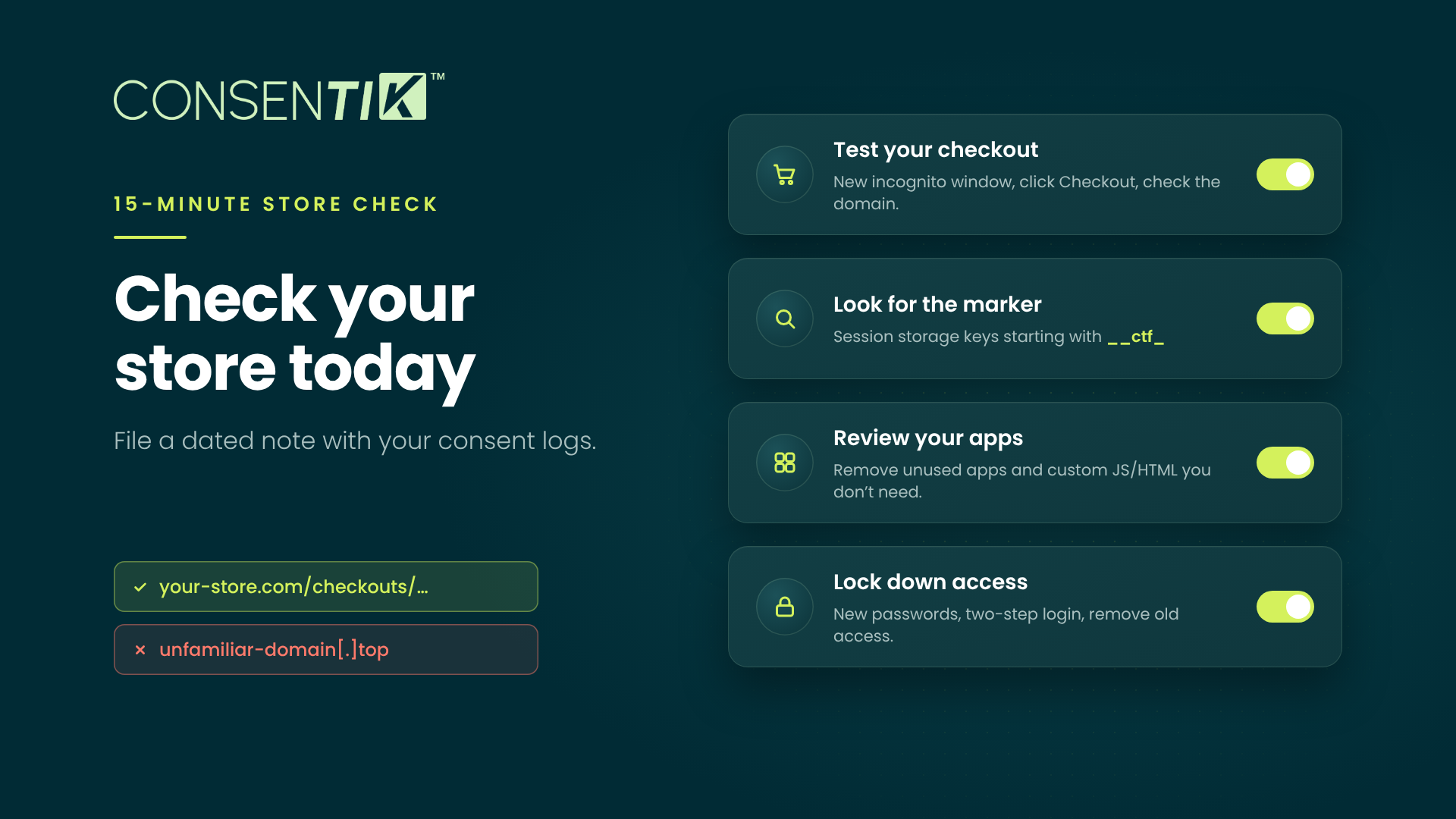
Whatever apps you use, this 15-minute check tells you whether your checkout is clean. If you keep privacy records, file a dated note of what you checked alongside your consent logs.
- Test your checkout in a brand-new incognito window. Add a product, click Checkout from the product page, cart drawer and cart page, and check the address bar each time. It should stay on your own domain or
myshopify.com; an unfamiliar domain, especially one ending in.top, means your store is affected. - Look for the marker (optional, for the technically comfortable): in your browser’s developer tools, open Application > Session storage for your store and look for keys starting with
__ctf_ - Review your apps in Shopify admin > Apps. Remove what you don’t use, and clear custom JavaScript or HTML fields you don’t need.
- Lock down access. Change your Shopify and app passwords, turn on two-step authentication, and remove staff, collaborators, integrations or AI tools that no longer need access.
If you find a redirect: switch app embeds off one at a time in Online Store > Themes > Customize > App embeds and re-test until it stops. Report it to Shopify Support and the app’s developer with screenshots and the fake address, and contact customers who may have entered card details. Because personal data may be involved, check with your legal adviser about notification duties; under the GDPR, a personal data breach generally has to be reported to the supervisory authority within 72 hours.
Privacy and security go together
A consent banner is a promise to your shoppers that you respect their data. We hold Consentik to the same standard: nothing we put on your store can touch where your customers pay, and nothing is generated on your storefront without being checked first. We’re applying the security requirements Shopify announced on October 20, 2026, and we’ll update this post if anything changes.
Questions? Our team is available 24/7 through Consentik.com, and setup guides are in the Consentik documentation.