You’ve clicked “Accept” on cookie pop-ups hundreds of times without thinking. But if you run a WordPress store, what’s behind that pop-up matters more than you’d expect. WordPress cookie banners aren’t just annoying widgets. They’re your first defense against privacy fines and one of the simplest ways to show customers you respect their data. This guide covers everything in plain language – why your store needs a banner, what privacy laws actually say, which plugins work best, and how to set one up without a headache. By the end, you’ll know exactly what to do.
Why Your WordPress Store Needs a Cookie Banner
When someone visits your store, your site likely drops cookies right away – small files in the visitor’s browser that remember cart items, track page views, or show retargeting ads. A WordPress cookie-consent-banner asks visitors whether they’re okay with that. And skipping it is a gamble you don’t want to take.
It Keeps You on the Right Side of the Law
Privacy laws like the EU’s GDPR and California’s CCPA require consent before your site drops non-essential cookies. If even a handful of your visitors come from these regions – and for most online stores, they do – you need to ask permission first. The penalties aren’t pocket change either. GDPR fines can hit up to €20 million or 4% of your yearly global revenue.
It Builds Real Trust with Shoppers
A cookie banner isn’t just a legal checkbox. It’s a trust signal. When visitors see a clear, honest notice about data use, they feel more comfortable browsing, adding to cart, and checking out. Transparency sells.
It Future-Proofs Your Business
Even if your audience lives somewhere without strict cookie rules today, that’s changing fast. New US state laws keep popping up. Asia-Pacific markets are tightening regulations. Getting a consent banner set up now means you won’t scramble later when the rules catch up.
Cookie Consent Laws You Should Know About
Before you pick a plugin or design a banner, it helps to understand the laws driving all of this. Don’t worry – we’ll keep it simple.
GDPR and the EU ePrivacy Directive
The GDPR has been active since 2018. Together with the EU ePrivacy Directive (often called the “cookie law”), it requires explicit consent before any non-essential cookies load. Analytics, advertising, and social media cookies can’t fire until a visitor actively says yes.
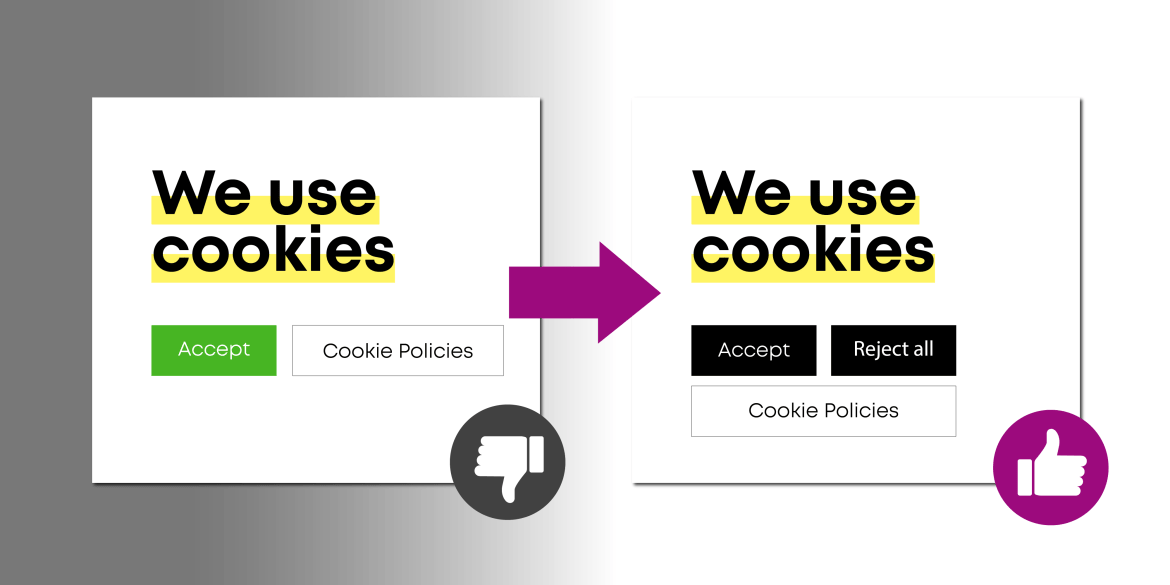
And “actively” is the key word. Pre-ticked checkboxes don’t count. A banner that says “by using this site, you agree” doesn’t count either. The visitor needs to make a clear, deliberate choice – and saying no should be just as easy as saying yes. A visible “Reject All” button is expected, not optional.
GDPR also says visitors should be able to change their mind later, and you need to keep a log of consent decisions as proof. It sounds like a lot, but the right plugin handles most of this automatically.
CCPA and CPRA (California)
California works differently. The CCPA doesn’t demand a traditional opt-in popup like GDPR. Instead, it gives users the right to opt out of the sale or sharing of personal data. That means California visitors need a clear “Do Not Sell My Personal Information” link on your site.
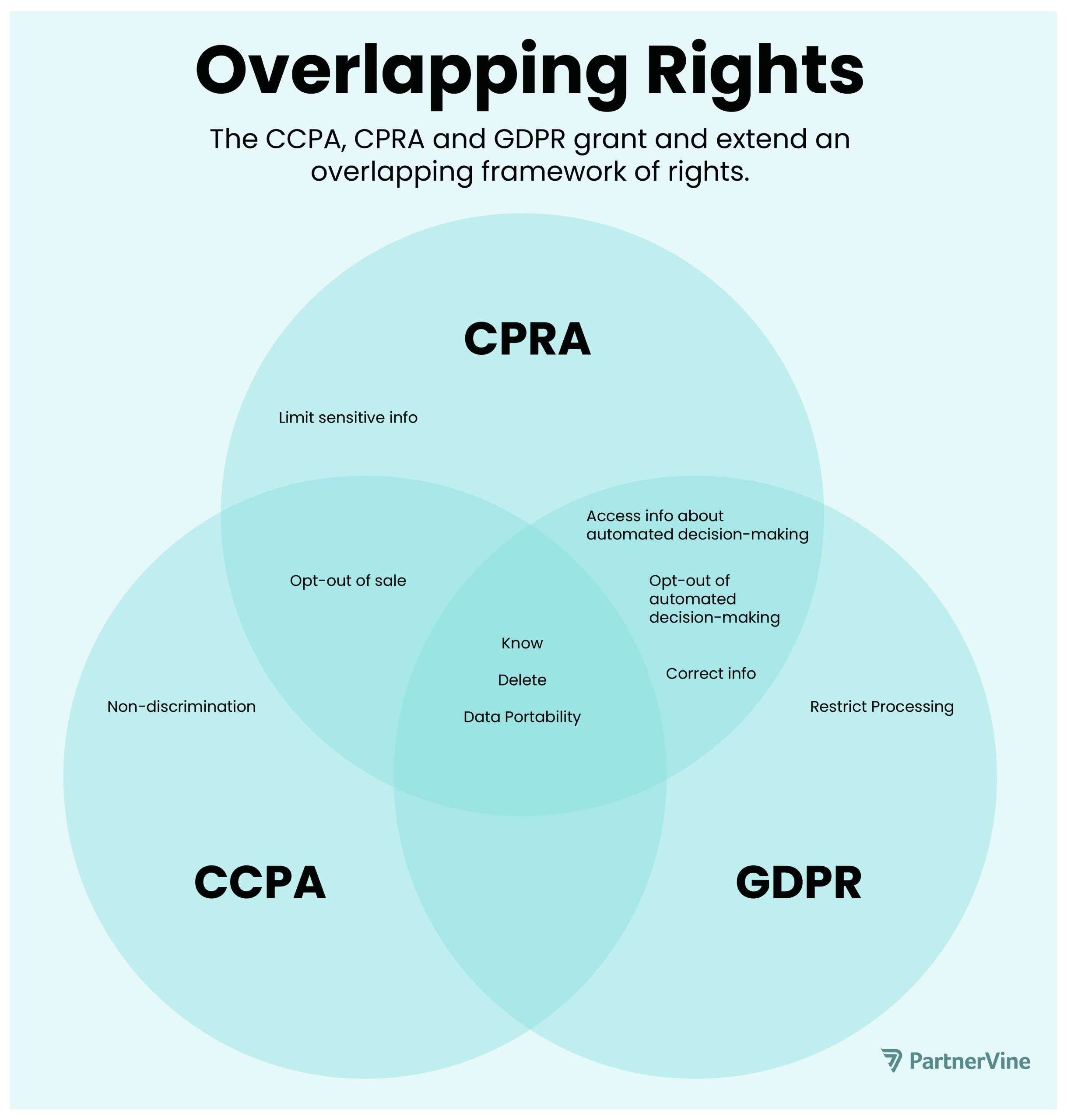
Many US-focused stores still show a cookie notice, but frame it as a heads-up with an opt-out link rather than a consent gate.
Other Global Regulations
Privacy laws are spreading worldwide – Brazil’s LGPD, Canada, the UK, and Australia each have their own frameworks. Many borrow from GDPR principles. If you serve a global audience, assume you need some form of cookie consent. The upside? Most WordPress cookie banner plugins adapt based on visitor location automatically.
How WordPress Cookie Banners Actually Work
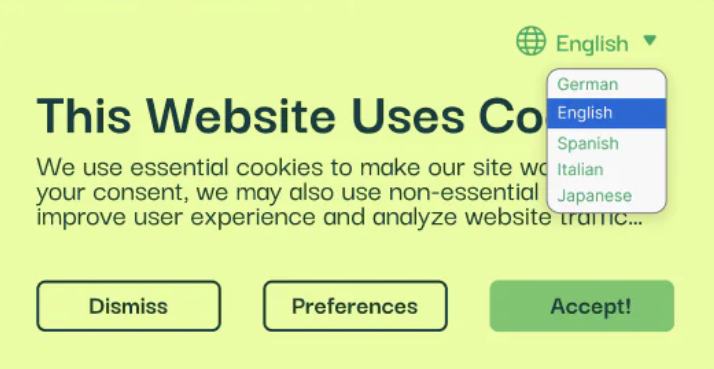
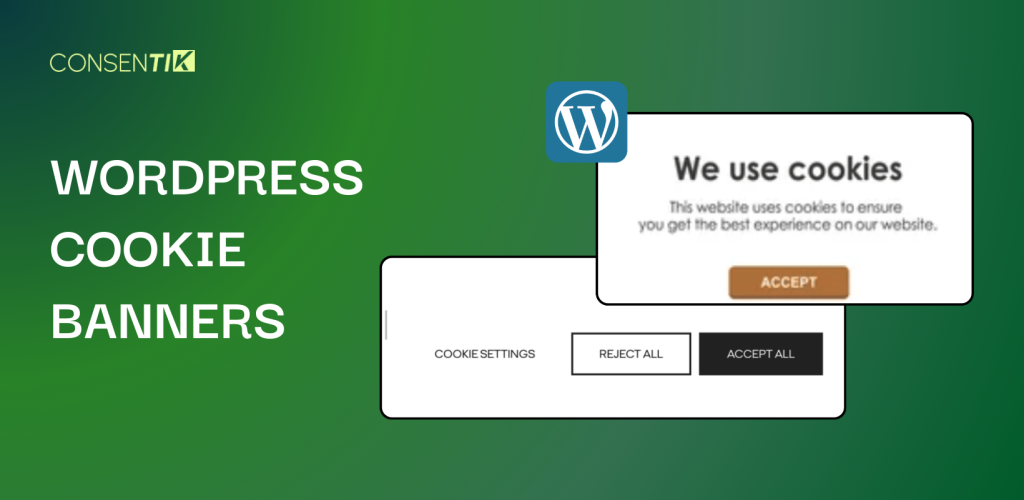
When someone visits your site for the first time, the banner appears right away – usually at the top or bottom of the page. It shows a short message about cookies with a few choices: Accept, Reject, or Manage Settings.
Based on what the visitor picks, the plugin either loads or blocks your non-essential scripts. Click “Accept” and tools like Google Analytics start running. Click “Reject” and they stay off. No tracking cookies fire before the visitor decides – that’s the key to GDPR compliance.
More advanced banners break cookies into categories:
- Essential cookies (like cart functionality) always run because the site needs them.
- Analytics cookies (like Google Analytics) can be toggled off.
- Marketing cookies (like ad pixels for retargeting) are also toggleable.
Good plugins keep a consent log – a timestamped record of each visitor’s choice. That’s your compliance proof if anyone asks. Once a visitor decides, the plugin remembers their choice for several months so the banner doesn’t reappear on every page.
For stores serving multiple regions, many plugins use geolocation to show the right banner automatically. EU shoppers see a GDPR consent dialog. California visitors get a simpler notice with an opt-out link. Everyone else sees a basic message.
Best WordPress Cookie Banner Plugins Compared
You don’t need to build any of this from scratch. Several WordPress plugins handle the heavy lifting, and each one has its own strengths. Here’s an honest breakdown of the top options.
1. Consentik CMP – GDPR/CCPA Cookie Consent Banner
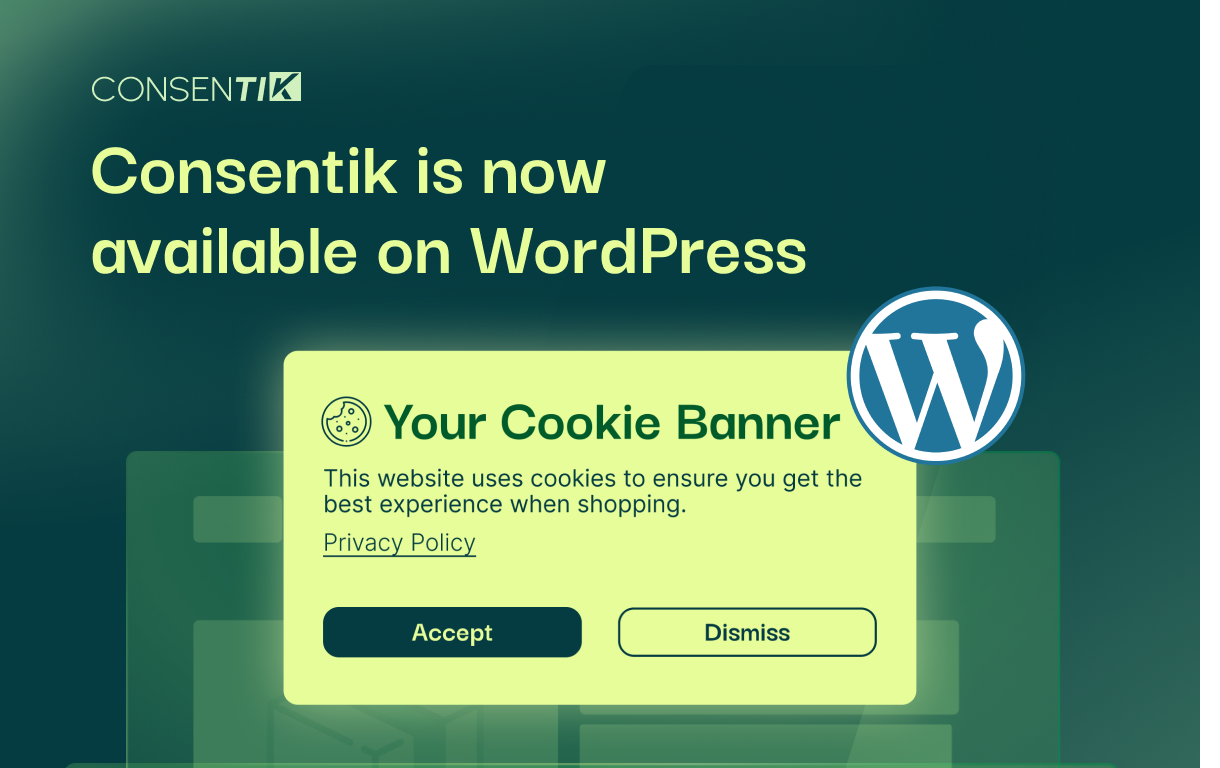
Consentik CMP is a newer player that made waves fast. It’s IAB TCF v2.3 certified and Google Consent Mode v2 ready – two things that matter a lot if you run ads or depend on analytics data to make business decisions.
It covers GDPR, CCPA, LGPD, APPI, PDPA, and other major privacy frameworks. The built-in scanner finds cookies automatically, blocks non-essential ones by default, and shows visitors a clean banner with three options: Accept, Decline, or open Preferences for a category-by-category breakdown.
Here’s what makes it stand out from the crowd: the free tier has no pageview limits. Most cloud-based CMPs cap you at a few thousand views before asking for your credit card. Consentik doesn’t, which is a huge deal for stores that are growing fast but watching every dollar.
What you get:
- Automatic scanning, categorization, and cookie blocking
- Google Consent Mode v2 and Microsoft UET support
- Real-time consent analytics dashboard
- No pageview limits on the free plan
- Lightweight scripts optimized for Core Web Vitals
Pricing: The Consentik WordPress plugin is completely free with unrestricted access to all features. No usage caps, no hidden fees. As your store grows, paid plans are available if you need extras like full TCF 2.3 integration or priority support.
2. Cookie Notice & Compliance (by Hu-manity)

This one’s a crowd favorite-millions of downloads and a 4.9-star rating on WordPress.org. It’s lightweight, dead simple to set up, and won’t slow your site down.
You get a basic notice bar with custom text, colors, and a privacy policy link. It supports both “Accept” and “Reject” buttons and plays nicely with multilingual sites through WPML. It can also integrate with analytics plugins like MonsterInsights to hold back Google Analytics tracking until consent is given.
The catch? No built-in cookie scanner, no consent logging, and no automatic script blocking in the free version. If your tracking setup is simple-say, just GA and a Facebook Pixel-Cookie Notice does the job well. But stores with heavier compliance needs will eventually outgrow it.
3. CookieYes (GDPR Cookie Consent)
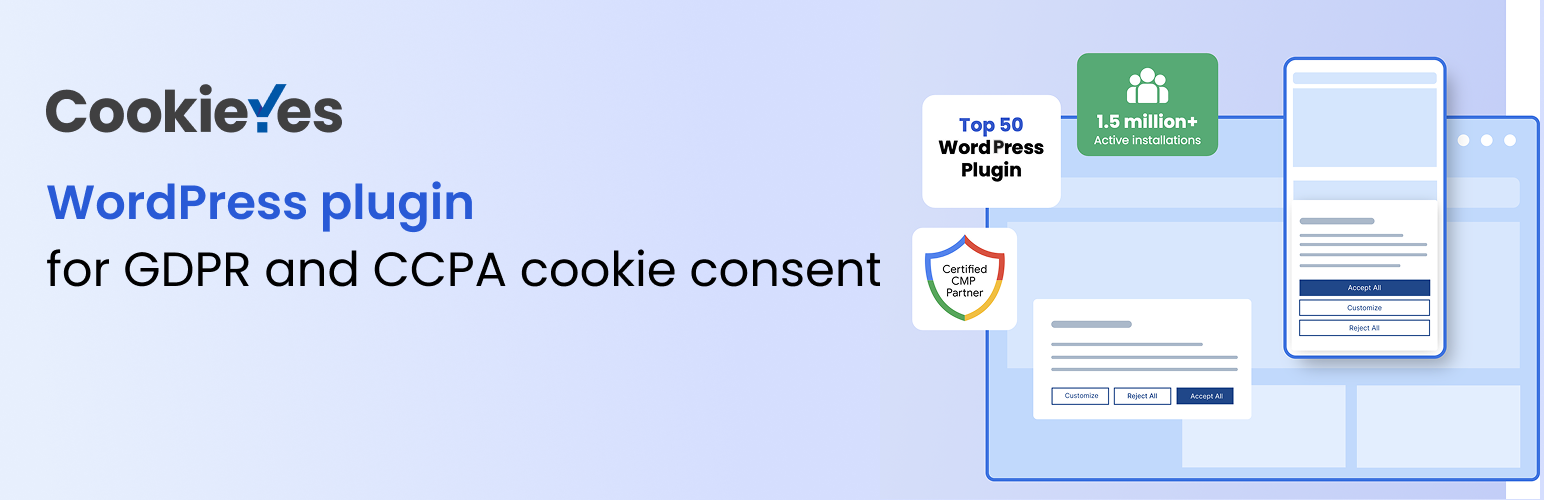
CookieYes hits a sweet spot between simplicity and serious features. It handles both GDPR and CCPA requirements right out of the box, which saves you from juggling multiple tools.
Here’s what you get:
- Customizable banner with multiple layouts-bar or popup, top or bottom
- Full control over colors, fonts, and wording
- Categorized consent options in the premium version
- Periodic cookie scanning and cookie list generation
- Built-in “Do Not Sell” link for CCPA compliance
The free version covers the essentials nicely. Advanced features like consent analytics and automatic scanning require a paid plan, starting around $10/month for the cloud service. For store owners who want solid multi-law coverage without getting too deep into settings, CookieYes is a reliable pick.
4. Complianz – GDPR/CCPA Cookie Consent

Complianz doesn’t just slap a banner on your site-it walks you through a full configuration wizard. Think of it as having a privacy-savvy friend guiding you step by step.
During setup, you pick which regulations apply to your store: EU GDPR, UK GDPR, US CCPA, Canadian law, or others. The plugin then adapts everything accordingly. It scans your site for cookies, generates a cookie policy page, and blocks third-party content (YouTube embeds, social widgets, analytics) until the visitor gives consent.
The free version is surprisingly powerful for basic EU compliance. Premium ($59/year for one site) unlocks more design options, A/B testing for consent rates, and multi-region policies. The tradeoff? Setup takes longer because there are a lot of settings to configure. But if you want the most thorough WordPress cookie-consent-banner solution, Complianz delivers.
5. WPConsent – All-in-One Consent Management
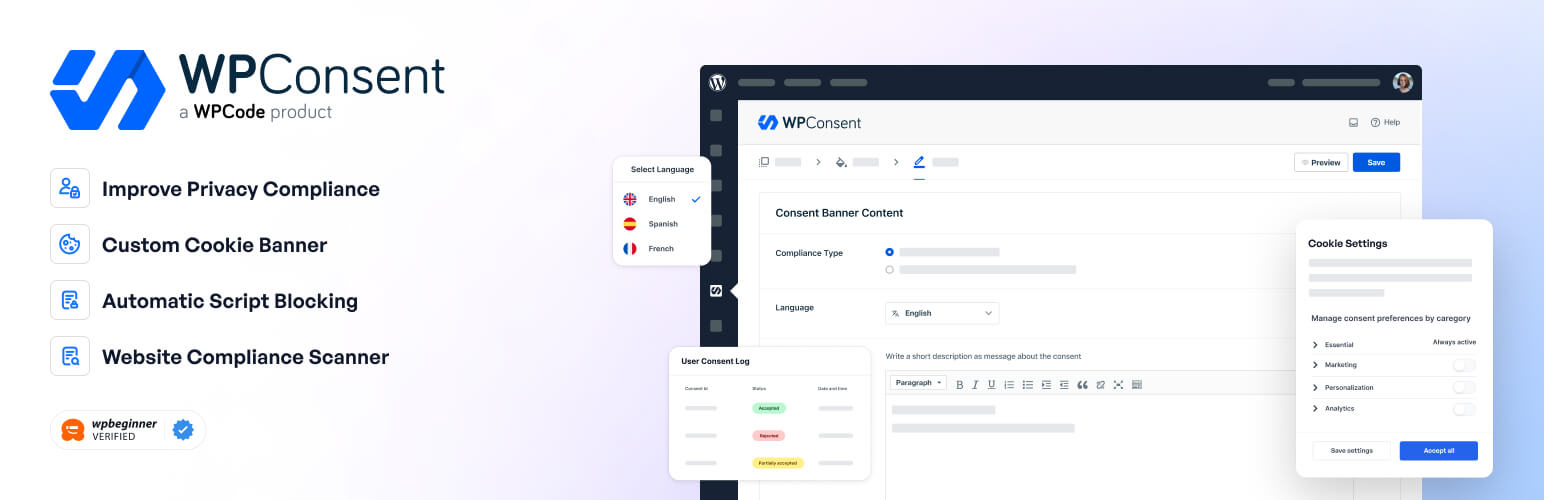
Built by the WPBeginner team, WPConsent is the newer kid on the block-but it’s already turning heads.
Its standout feature is automatic script blocking. While most basic banners just show a notice and hope for the best, WPConsent actively prevents cookies and tracking scripts from running until the visitor gives the green light. No more accidentally dropping a Google Analytics cookie before someone clicks “Accept.”
Other highlights include:
- Built-in cookie scanner that detects cookies as you add new plugins
- Auto-generated cookie policy that stays updated
- Automatic consent logging for compliance proof
- Geotargeting to show different banners by region
- A/B testing in the pro version ($49/year)
The setup wizard uses minimal jargon and walks you through everything. Since it’s newer, there are fewer third-party tutorials out there. But the WordPress-native approach and reliable support make it a strong choice for store owners who want a “set it and forget it” solution.
6. Cookiebot (Usercentrics CMP)
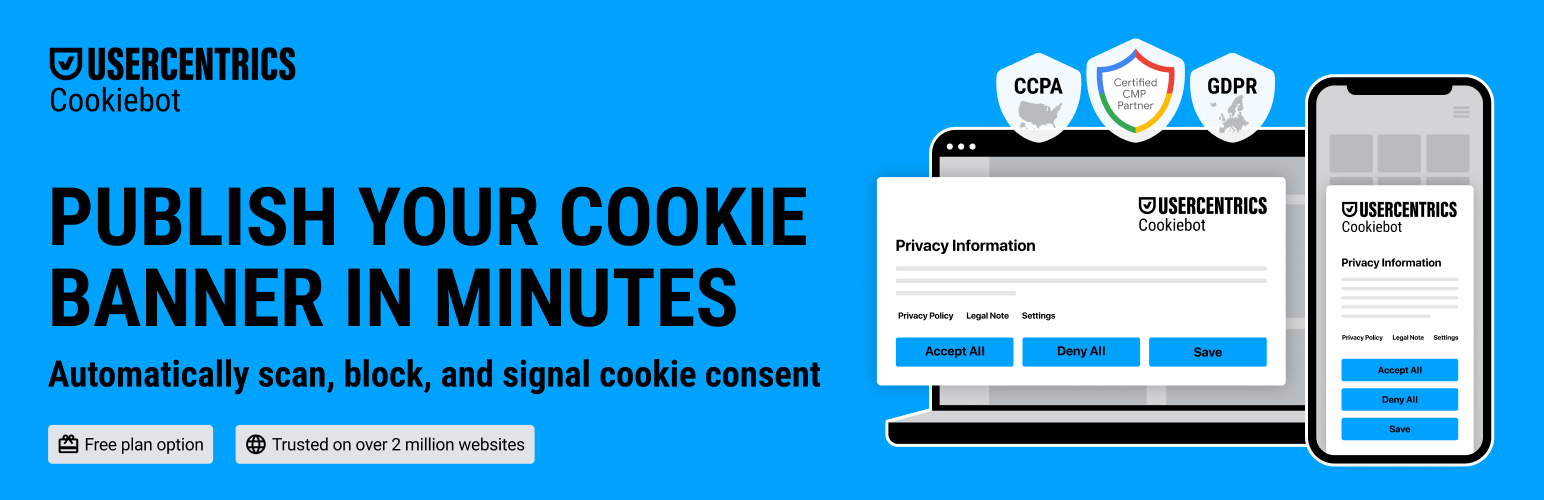
Cookiebot is the enterprise-grade option. It’s a cloud-based consent management platform with a WordPress plugin for easy integration-and it doesn’t mess around when it comes to compliance.
The service scans your entire website automatically each month, catching every cookie and tracking tool in use. It generates a detailed cookie declaration, builds a fully customizable consent banner in dozens of languages, and covers multiple laws (GDPR, CCPA, LGPD, and more). It even integrates with Google Consent Mode and popular tag managers for seamless ad and analytics compatibility.
The free plan covers one domain with up to 50 subpages. Paid plans start around $10/month and scale with traffic. Some configuration happens outside WordPress in Cookiebot’s own dashboard, which can feel less convenient. But for stores operating in many countries that need automated, airtight compliance, it’s hard to beat.
7. Other Solutions Worth a Look
- GDPR Cookie Compliance (Moove): Polished banners with a cookie preference center. Pro version adds consent logging, geo-targeting, and a cookie scanner-all with a one-time purchase instead of a subscription.
- Iubenda: Bundles privacy policy generators with a cookie consent solution. Great if you also need help drafting legal documents. Plans start around $5–$7/month.
- Termly: Similar all-in-one compliance suite. Free tier covers up to 10,000 monthly visitors, with paid plans around $10–$15/month.
So, quick comparison: which plugin fits you? Check our suggestions here:
- Tightest budget, simplest setup: Consentik CMP – auto-scanning, cookie blocking, consent logging, and banner customization all free with no visitor caps.
- Best free option with real features: CookieYes or Consentik CMP (free)-multi-law coverage with room to upgrade.
- Most thorough paid solution: Complianz Premium or WPConsent Pro-scanning, consent logs, full automation.
- Enterprise-grade compliance: Cookiebot-automated scanning at scale, subscription-based.
- Need legal docs too: Iubenda, Consentik CMP or Termly-policies plus banner in one package.
Best Practices for Cookie Banner Design and UX
Having a cookie banner is step one. Making it work well for your visitors – that’s where the real payoff is. A badly designed banner can frustrate shoppers and tank conversions. Some reports put the damage at 15–30% drops from poor implementations. So let’s make sure yours helps rather than hurts.
Write Like a Human, Not a Lawyer
Keep the language simple. Something like “We use cookies to improve your experience and understand how you use our site” works way better than a wall of legal jargon. Save detailed explanations for your privacy policy page. The banner itself should be scannable in two or three seconds flat.
Give Equal Weight to Accept and Reject
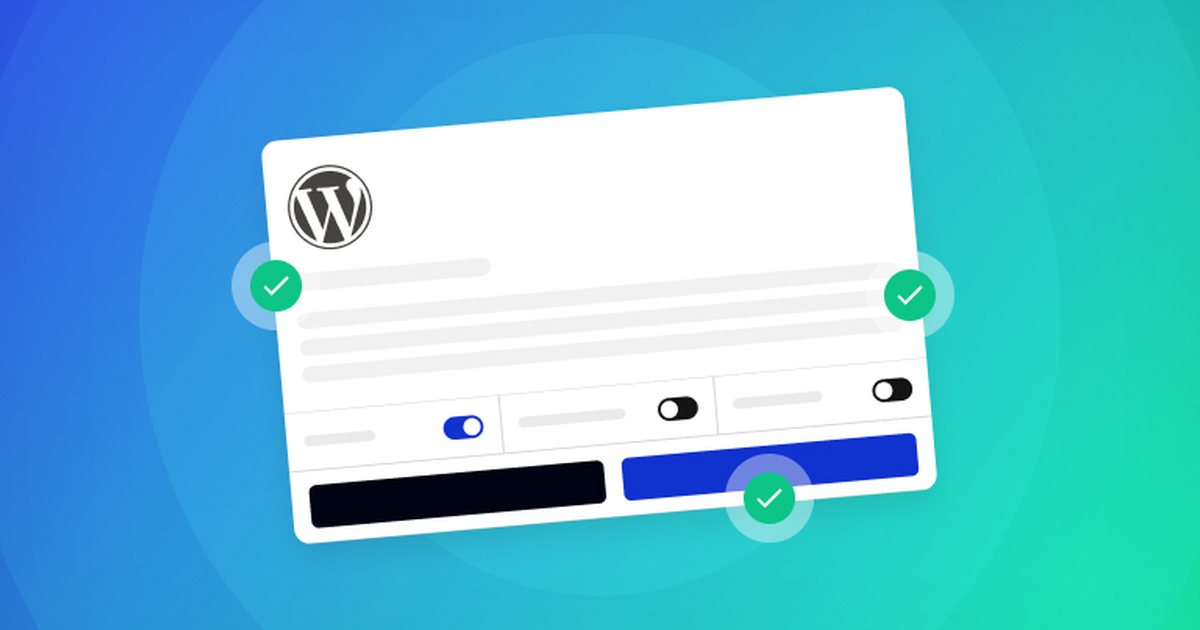
Dark patterns – designs that nudge people toward clicking “Accept” – are on regulators’ radar. Users who feel tricked don’t become loyal customers. To keep things fair:
- Make your “Reject” button the same size and style as “Accept”
- Don’t hide it in a corner or make it gray and tiny
- Avoid giving “Accept” a bright glow while “Reject” fades into the background
Don’t Get in the Way of Shopping
This matters more than you’d think. If your banner covers product images, “Add to Cart” buttons, or checkout links, visitors will bounce. To avoid that:
- Use a slim bar at the bottom of the page – it works well for most stores
- If you go with a center popup, make it easy to close
- Think of your banner as a polite tap on the shoulder, not a bouncer blocking the door
Offer Granular Choices
Include a “Preferences” or “Settings” button that opens a small panel where visitors can toggle cookie categories. Not everyone will use it, but privacy-conscious shoppers love having the option. A few tips:
- Let visitors toggle Essential, Analytics, and Marketing cookies separately
- Keep category descriptions short and jargon-free
- Make the panel easy to navigate on both desktop and mobile
Never Pre-Check Boxes
If your settings panel uses checkboxes, leave them unchecked by default. The only exception is essential cookies the site can’t function without. Under GDPR, consent must be opt-in – assuming someone wants tracking turned on violates the whole point.

Make It Work on Phones
On smaller screens, your banner needs to be readable without zooming and tappable without frustration. Before going live:
- Test on a few different devices and screen sizes
- Make sure buttons are large enough to tap easily
- Check that text doesn’t run off the screen or overlap other elements
Match Your Store’s Look and Feel
A cookie banner doesn’t have to scream “I was bolted on as an afterthought.” To make it blend in:
- Use your store’s fonts, colors, and button styles
- Pick a layout that fits naturally with your theme
- A banner that feels intentional earns more trust than a generic white box with default text
Let Visitors Change Their Mind
After someone makes a choice, give them a way to revisit it. GDPR specifically requires that withdrawing consent be as easy as giving it. Easy ways to do this:
- Add a small “Privacy Settings” link in your footer
- Use a floating icon visitors can click anytime
- Make sure reopening the settings panel is one click, not three
Test, Monitor, and Keep Improving
Once your banner is live, the work isn’t over. Stay on top of it:
- Check the banner across devices and browsers
- Watch your analytics for spikes in bounce rate
- Use accept vs. reject stats (available in many plugins) to guide tweaks
- Try A/B testing different messages, colors, or layouts
- Keep your plugin updated – the best ones roll out compliance improvements with every release
Wrapping Up
WordPress cookie banners might look like a small detail, but they punch way above their weight. They keep you clear of privacy fines, satisfy legal requirements, and signal to customers that you care about their data.
Think of it like a handshake at the front door of your store. Make it warm, make it honest, and make it easy. Your customers – and your bottom line – will thank you for it.